Problem configuration OpenVPN
-
@johnpoz my ISP router: 192.168.10.1
my pfsense WAN port: 192.168.10.22
my pfsesne LAN port: 192.168.1.1 -
@kilian77 said in Problem configuration OpenVPN:
@johnpoz my ISP router: 192.168.10.1
my pfsense WAN port: 192.168.10.22
my pfsesne LAN port: 192.168.1.1Ok, that's fine.
As that is what I have.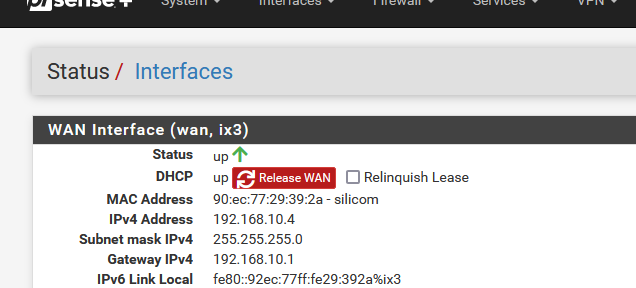
My pfSense WAN IP (DHCP) is :
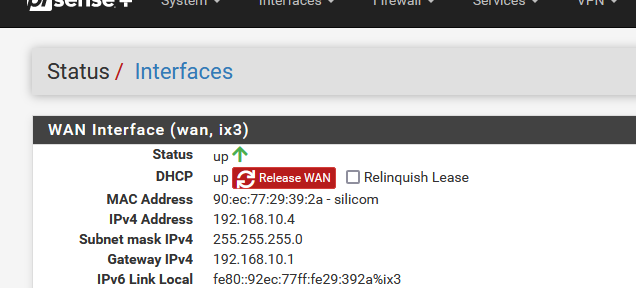
What about the other Livebox settings ?
You've set a DMZ ?
What is the firewall setting ?I use :
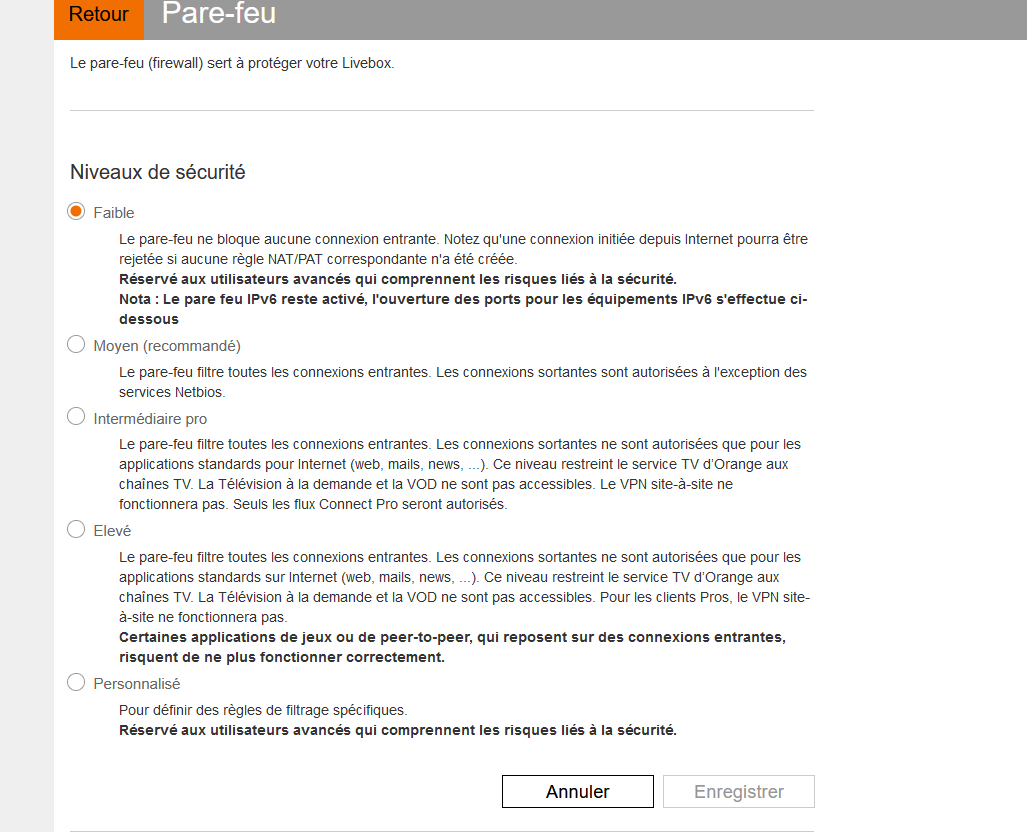
This (uPNP) has been shut down :
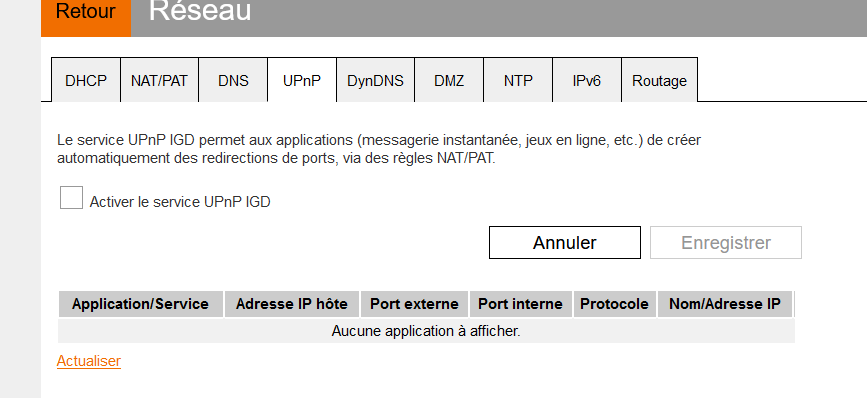
as, as it says (translation) : this option can make your live hard ...
Nothing here :
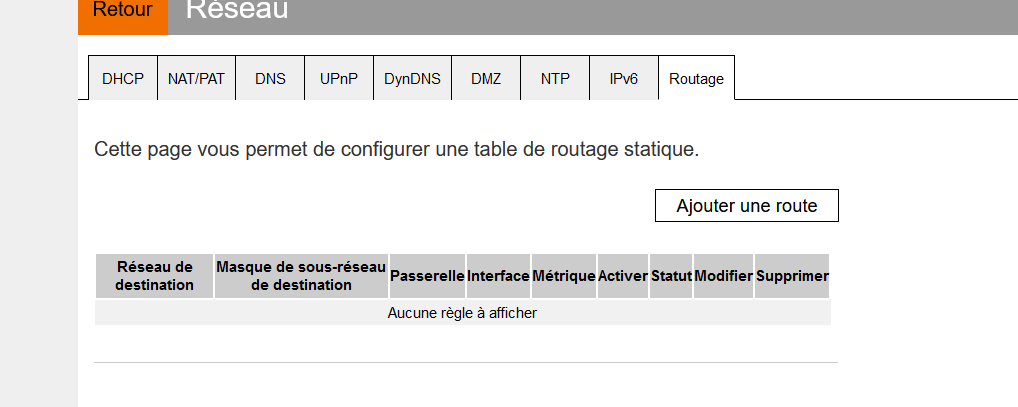
As said earlier :
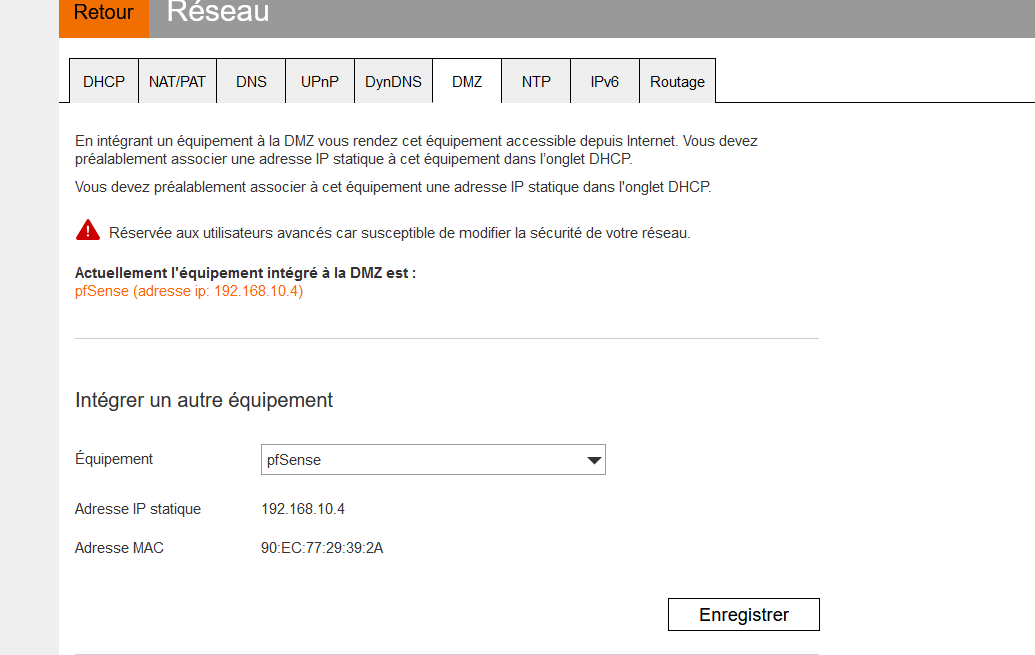
Because 'why not'. (pfSense is the only LAN device of my Livebox [except the Orange TV decoder ])
If with these settings you still won't fine a solution.
RESET the Livebox (and do not restore faulty settings back in !!).
You have to give manually the fti/xxxxxxxx and the connection ISP password
Make the connection work.
Then change the LAN network from 192.168.1.1/24 to 192.168.10.1/24
And make that work - test with pfSense.Then : make the NAT OpenVPN rule UDP to pfSense, port 1194.
And test.It is and should be as easy as that.
Remember : These Livoboxes are world's most stupid ISP routers on the planet.It still does't work : throw it out of the windows.
Call 3901 (Orange Support).And also : visit the neigbor : test at his place.
Or come pay me a visit, I'll show you.

Hello! It looks like you're interested in this conversation, but you don't have an account yet.
Getting fed up of having to scroll through the same posts each visit? When you register for an account, you'll always come back to exactly where you were before, and choose to be notified of new replies (either via email, or push notification). You'll also be able to save bookmarks and upvote posts to show your appreciation to other community members.
With your input, this post could be even better 💗
Register LoginPrivacy Policy · Cookie Policy