Only allow two IP's to access Minecraft Server
-
I'm trying to figure out how to only allow two IP's (from TCPShield) to access my Minecraft Server (from the WAN). My server keeps getting hammered by bots probing port 25565. They can't get in (not whitelisted), but their attempts get logged on my console and adds a bunch of junk entries. The folks at TCPShield said the way to fix this is to only allow access from their IP's (198.178.119.0/24
104.234.6.0/24). What I'm not entirely clear on is how this gets set up in the Firewall section of pfSense. I still get confused on "Source" "Destination." "Ports" and the how of only allowing those two IP addresses to access the Minecraft Server, and not allowing anyone else (except me on my LAN when I need to configure the server.) Also, where does the rule go in order. Top, or Bottom of rules? It's probably easy to do, but I can't figure it out.
Any help would be appreciated. Thanks -
@FrankZappa on your port forward - use an alias for the source IP, and put in the ips or networks that you want to allow. If you allow 1.2.3.4, and someone is trying to talk to your wan IP to your port 25565 from say 4.5.6.7, it won't be forward so your server would never see the traffic.
example

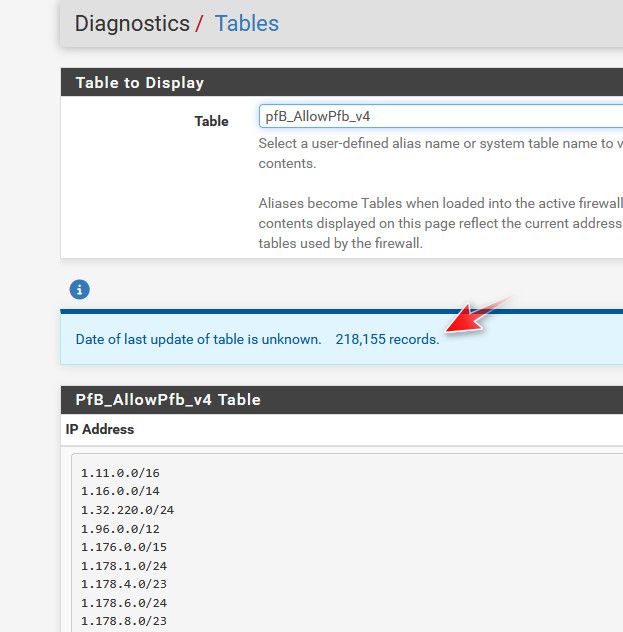
That is the port forward to my plex server, that listens on 32400 - when traffic hits my wan (public IP) on port 23040 it forwards to my plex server 192.168.1.10 port 32400
But only if the source IP of the traffic (1.2.3.4 for example) is in the alias pfb_allowed_v4, this list contains the IPs from the US, and Belgium (family there currently) and other IPs like the ips that check to see if plex is available remotely, monitoring services (uptime robot is one) etc..
I use pfblocker to create the alias because I have lots of ips and networks to allow. But you only have a few IPs or networks you want to allow, you could just use pfsense alias.
This port forward really shouldn't come to play when you have some local device on your network talking to your minecraft server - only when traffic is hitting your wan IP from the internet, that needs to be forwarded.
-
@johnpoz Thanks johnpoz (as always).
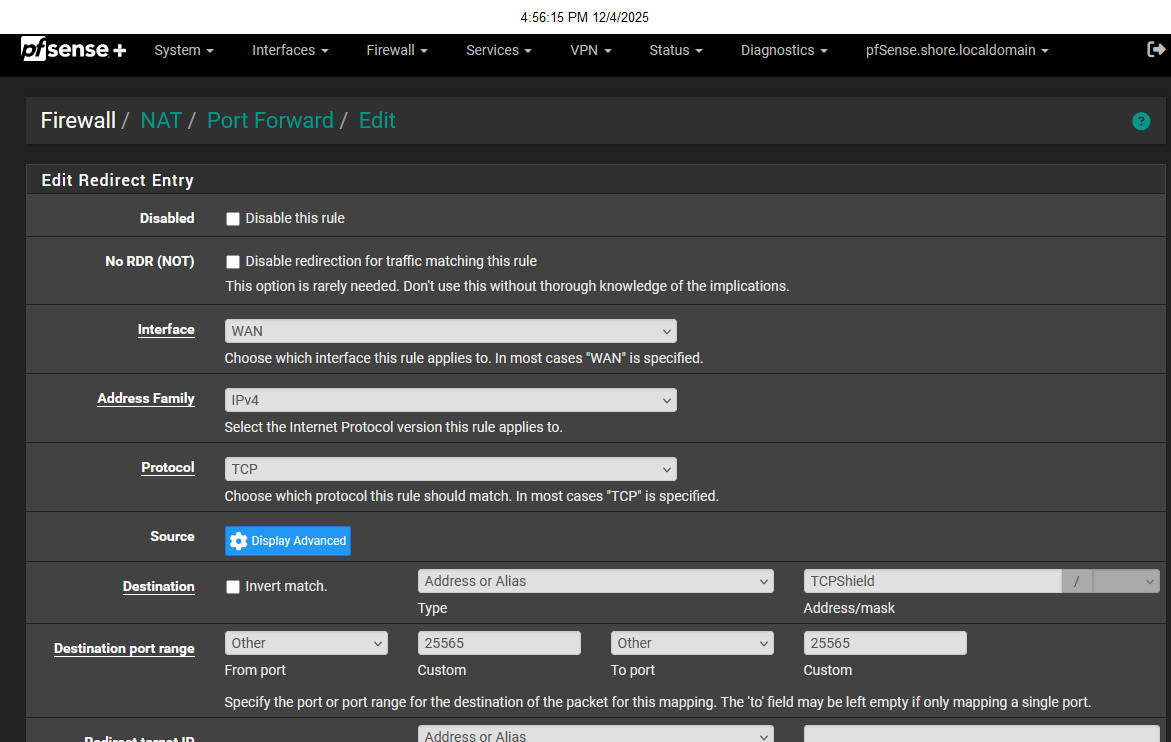
Here's where I get screwed up; I created the alias with the two IP's from TCPShield. However, when I port forward, I'm not entirely clear on what goes in each field. My confusion is the box I enter the alias in is the "destination" box. Is that where the alias goes? Thanks Again.