• ExpressVPN CA Certificate Expiration

    OpenVPN expressvpn
    23
    2 Votes
    23 Posts
    2k Views
    W
    @Gertjan Previously, swapping locations would sometimes still get TLS errors, but that was due to not separating the CA authorities, like you did in your photo. Thanks for capturing that. Now, as of 11 April at least one .ovpn file (chosen at random) downloaded without the second CA. Fortunately, by offering just the CA 3 that matches your photo, it all works again. The authority now expires in 2124, and certificate 2066 as you documented. With that, reviewed all settings, and that finally resolved the TLS errors/cert expirations/or connection failures. ExpressVPN / pfSense immediately connect. Everything is looking great. ***While at it, another major company has Certs expiring this summer too (related to secure UEFI keys for booting). So, ensure auto update / latest updates are on for systems/devices before the expiration this summer. Auto update seems to be the preferred route.
  • 0 Votes
    5 Posts
    2k Views
    T
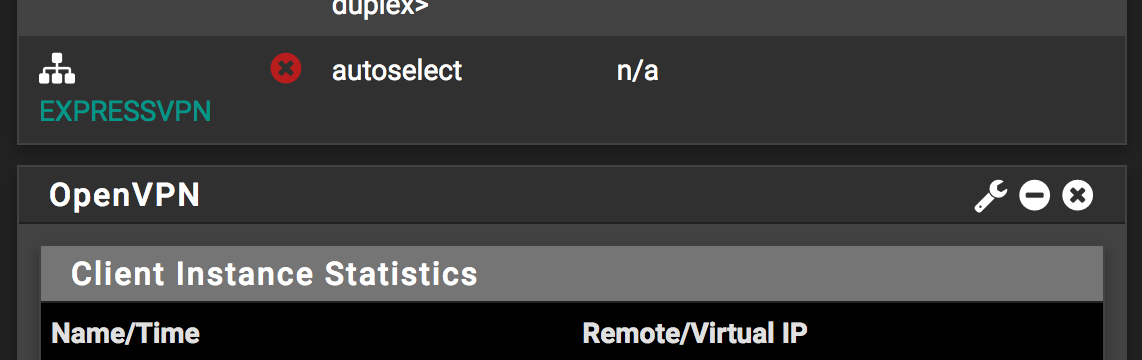
    @viragomann omg facepalm yep, you're totally right. Thanks. I know what I did now. When I initially set up the OpenVPN client I entered the wrong credentials (and didn't realize it) so it didn't appear as an option when I was initially assigning an interface so I arbitrarily selected em2 not knowing it should have said something like ovpnc1. Went back just now and changed it. Gateway shows as up. And was able to select it in my firewall rule. Beautiful. Thank you very much.
  • 0 Votes
    43 Posts
    20k Views
    T
    @noplan said in PFsense 2.5 RC OpenVPN/ExpressVPN problem: @trikki69 said in PFsense 2.5 RC OpenVPN/ExpressVPN problem: so your problem is now solved with this added this to my advanced custom options within the OpenVPN client setup: ;pull-filter ignore redirect-gateway; brNP Yep - works great now, no thanks to ExpressVPN support.