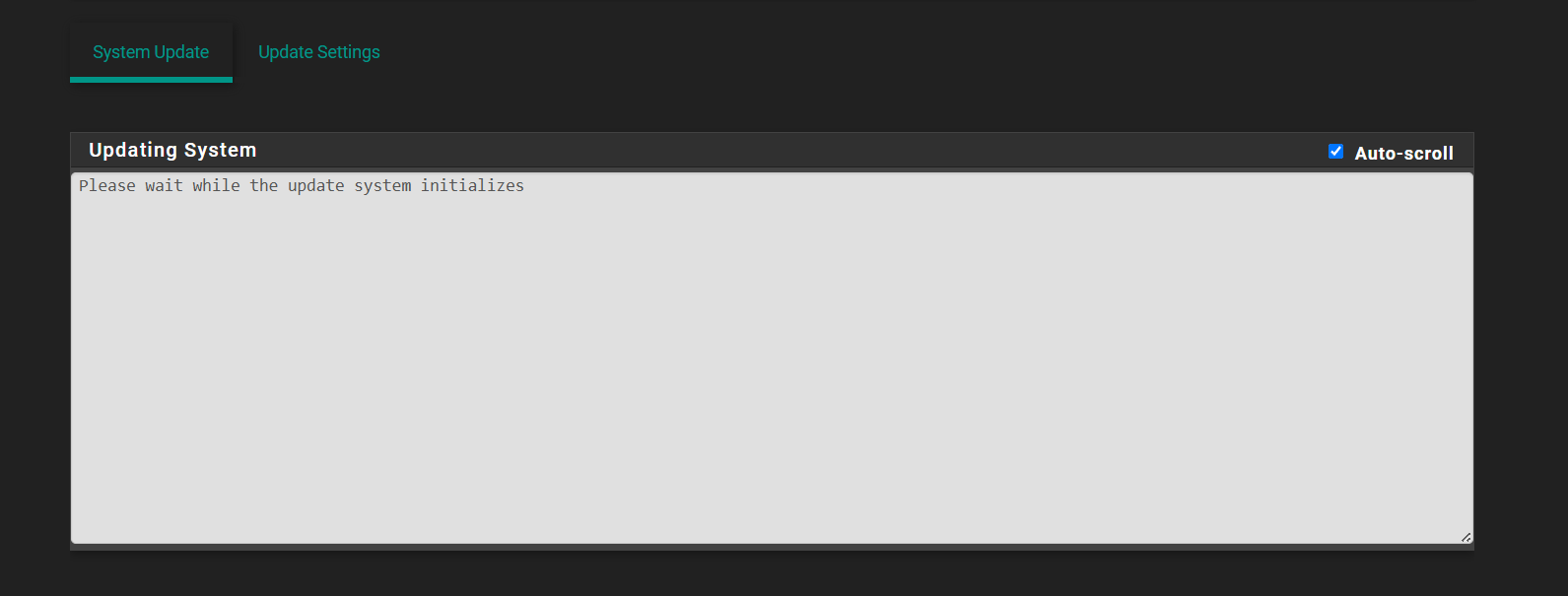
24.11 -> 25.07
-
Re: To do 25.07 or not?! That is the question!
Just finished on an 1100. Did it from the console, option 13, after changing the system branch from 24.11 to 25.07 in the gui first. Estimated that it took a half hour with doing a backup, pre-install reboot, etc. No hiccups, but the step
[51/76] Extracting ca_root_nss-3.104_1: ....... done
Took a looong time, probably 5+ minutes there.
Now looking around for issues, nothing obvious so far.
Netgate 1100 and Netgate 2100, latest pfsense+ version
-
Thanks for the report.

Yes rehashing the certs there takes a while on lower power CPUs.
-
I got booted out of my firewall. Web just went to 403 Forbidden. SSH will open and immediately close. What is going on? That's not what you want to see during an update lol
EDIT: Damn I just had to reinstall from the last backup. Not trying this patch again for a good week or so....
-
Hmm, did you get any sort of errors in the upgrade log?
-
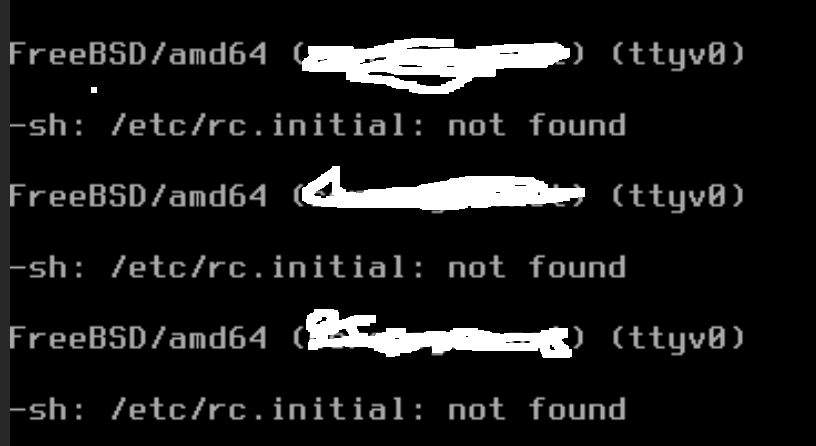
@stephenw10 Maybe, but since it kicked me out I can't get back in to see it.... I couldn't even get in via console. It screws with something on rc.init that screws everything up.
-
You see it failing something at boot?
-
It would be nice if the line said:
Extracting ca_root_nss-3.104_1, rehashing certs (be patient)....
dnf/yum style updates keep coughing up dots every few seconds as they work, to give you a clue that something is happening and the process is not hung. That didn't happen here.
I was wondering if the update had had a coronary, but I wisely kept my mitts off the keyboard and refilled my beer glass instead.
-
@beerguzzle No I didn't get that far. It just said whatever the first thing it says, Initializing or something then just booted me out of the web console, 403 Forbidden. SSH and console locked out too.
I've never seen anything like it in the 10 years I've been using pfSense lol
-
Hmm. What was it lead you to think rc.init was damaged? Just that it didn't boot?
I've love to see a console log if you can get it.
-
That's all I see lol. Boom 403, ssh locked.
-
-
Ok rebuilding that VM again lol
-
I wish I could tell you what caused it to screw up but like I said it boots me out, 403 Forbidden on web, SSH I think gripes about the same rc.initial missing once I authenticate. It pretty much hoses the system up.
-
I always take a VM snapshot before updates/patches/major finagling so I can revert if it blows up.
-
@beerguzzle Yup that's why I have this one. I got jumpy and wish I wouldn't have started my other mini-pc update. I don't have time to fix it today but it's at least passing traffic and keeping VPN tunnels up for now in it's crippled state lol.
-
Hmm, if you can replicate that try running the upgrade from the console directly using menu option 13.