[SOLVED] PfSense packet capture using Wireshark on Windows
-
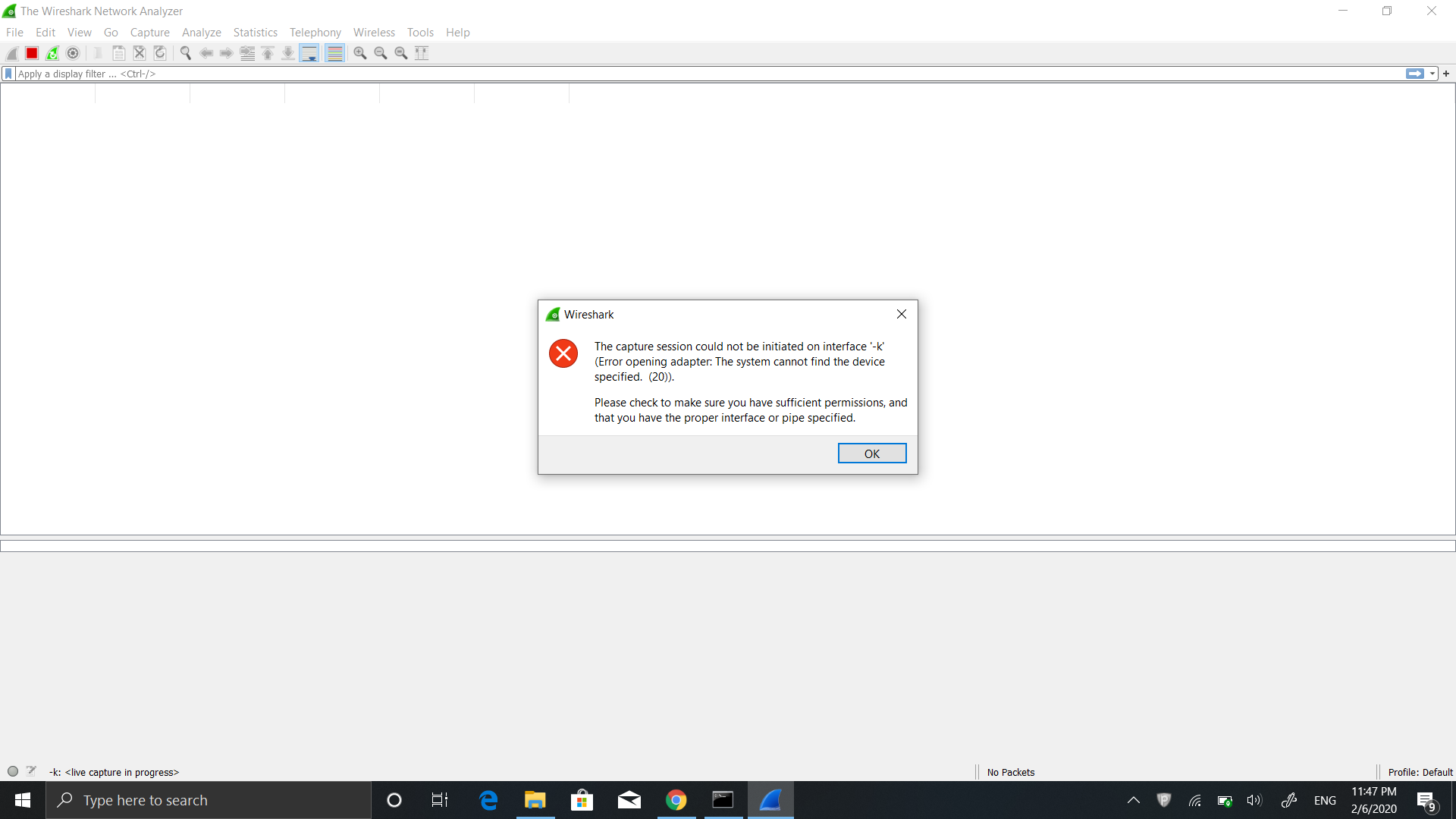
According to this post, user managed to Wireshark Packet capture on Windows with PfSense, but not working for me....

-
@manjotsc Worked after changing to from this https://www.youtube.com/watch?v=Qz68aZ6Yf5g&t=279s
"plink -no-antispoof -P 8934 -i C:\Users\admin.ssh\id_rsa_putty.ppk root@192.168.40.1 tcpdump -i igb2 -U -w - not tcp port 22 | "C:\Program Files\Wireshark\Wireshark.exe" -i -k"to
"C:\Program Files\PuTTY\plink.exe" -no-antispoof -P 8934 -i C:\Users\admin.ssh\id_rsa_putty.ppk root@192.168.40.1 tcpdump -i igb2 -U -w - not tcp port 22 | "C:\Program Files\Wireshark\Wireshark.exe" -i - -k

Hello! It looks like you're interested in this conversation, but you don't have an account yet.
Getting fed up of having to scroll through the same posts each visit? When you register for an account, you'll always come back to exactly where you were before, and choose to be notified of new replies (either via email, or push notification). You'll also be able to save bookmarks and upvote posts to show your appreciation to other community members.
With your input, this post could be even better 💗
Register LoginPrivacy Policy · Cookie Policy