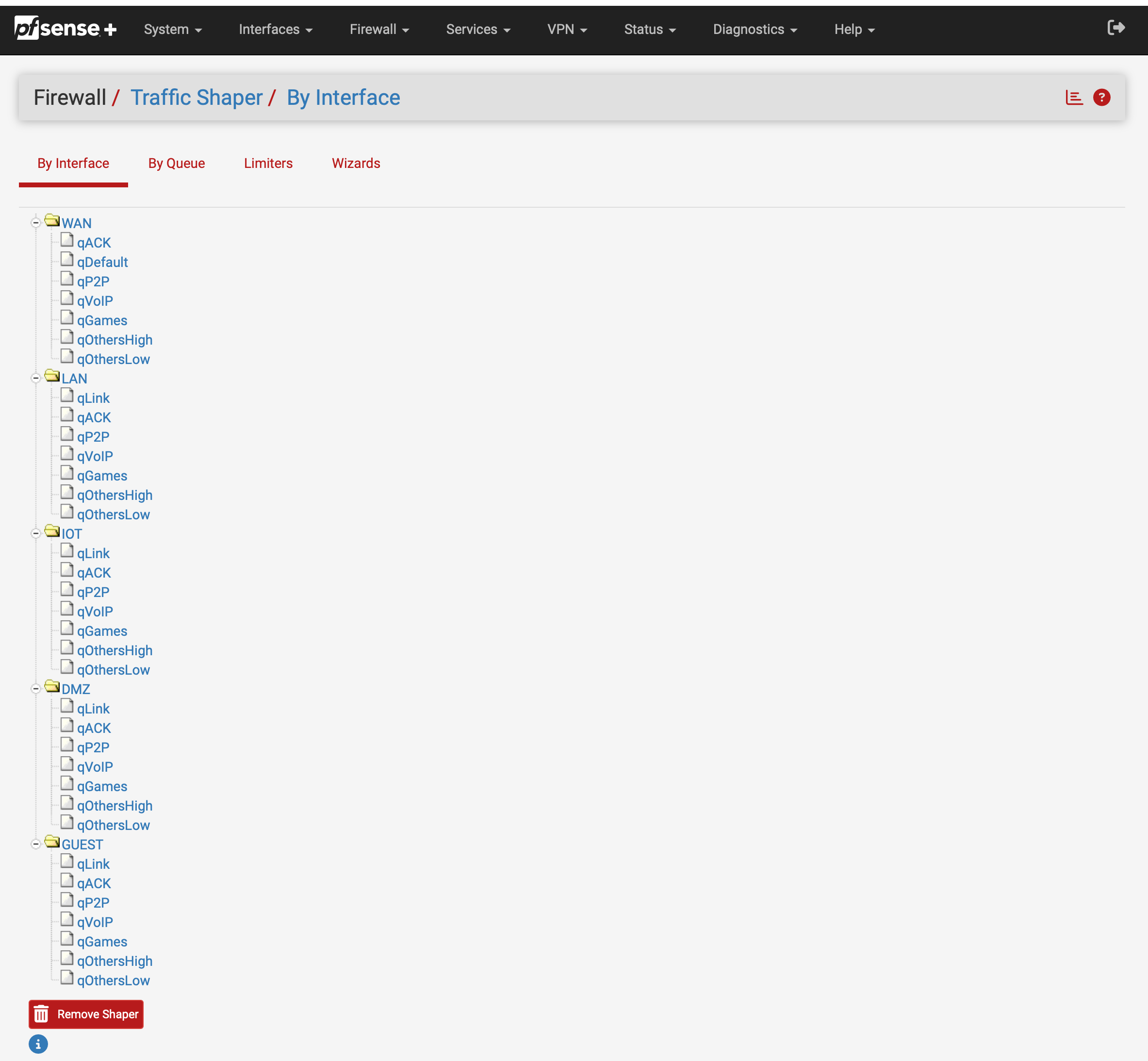
• QoS/Traffic Shaping information and tips.

    Pinned Locked
    3
    4 Votes
    3 Posts
    169k Views
    E
    Some useful information too. http://www.probsd.net/pf/index.php/Hednod%27s_HFSC_explained be aware that the limits on the m1 parameter do not apply on pfSense ie m1 can be smaller than m2.
  • Quick hfsc syntax question

    Pinned Locked
    7
    0 Votes
    7 Posts
    44k Views
    C
    dusan - that has definitely cleared things up for me, I really appreciate it.  I was definitely getting m2 and bandwidth confused, and did not realize that they were one in the same. Thanks again!! ;D ;D ;D
  • Traffic Shaper Limiters just won't work - FQ_CoDel

    13
    4
    0 Votes
    13 Posts
    11k Views
    A
    @pfsvrb Thank you, updating the target and interval settings to the defaults you provided did the trick to fix my upload speeds. I did not have to uncheck ECN in my case. Have been fighting this for a couple of months now, so thanks again.
  • 0 Votes
    25 Posts
    9k Views
    F
    @strannik Why would you want to do something like that? Too complex, you would be underutilizing you bandwidth, and it won't be fair anyways. I'm pretty sure that the configuration presented on the first message up there would manage bandwidth, fairness and latency much better than that. With this, it would be impossible for one user to "hijack" all of the bandwidth. Of course, if other users are not using much of the bandwidth at all, it can look like one user has hijacked the link, but in reality he's just using the bandwidth that no one else is using anyways. You want that to happen. Why would you pay for a 800 Mbps link to download at 100 Mbps if you could be using almost the 100% of it? The whole point of traffic shaping is to be able to share bandwidth between all users in the most efficient way, fairly, and for latency-critical protocols to continue to work well even when the link is under heavy load. This seems to accomplish this task quite well. In a "live" network it's hard to see if the bandwidth is being fairly shared, because the hosts are likely not even attempting to download at the same rate (using different amount of connections/flows, using different protocols, etc), they're downloading from different servers with different bandwidth and different amount of clients connected to them, etc. That said, i have seen several times in the traffic graph than two PCs from LAN were downloading at nearly the same rate. And bandwidth tests off-hours when the link is not utilized should show good "host fairness" with this configuration, even if not mathematically perfect. Just check that the per-IP queues are being created in the way you think they are in the limiter diagnostics (the default scheduler shows this), check the firewall logs to see if the traffic is hitting your rules correctly. Test off-hours when you can control which PC or PCs are downloading/uploading, etc. It's odd that you continue to see problems when switching schedulers in 2.8.1, even after restarting. I didn't found such issues. At most you could need to reset the state table. You could try to delete all limiters, restart and create them from scratch, to see if that fixes the odd behaviour. Or if you continue to find such problems, you could resort to keep one set of FQ_Codel limiters and another set of limiters with the default Scheduler (for testing). Then you only need to modify the Queues configured on the rules to apply one or the other.
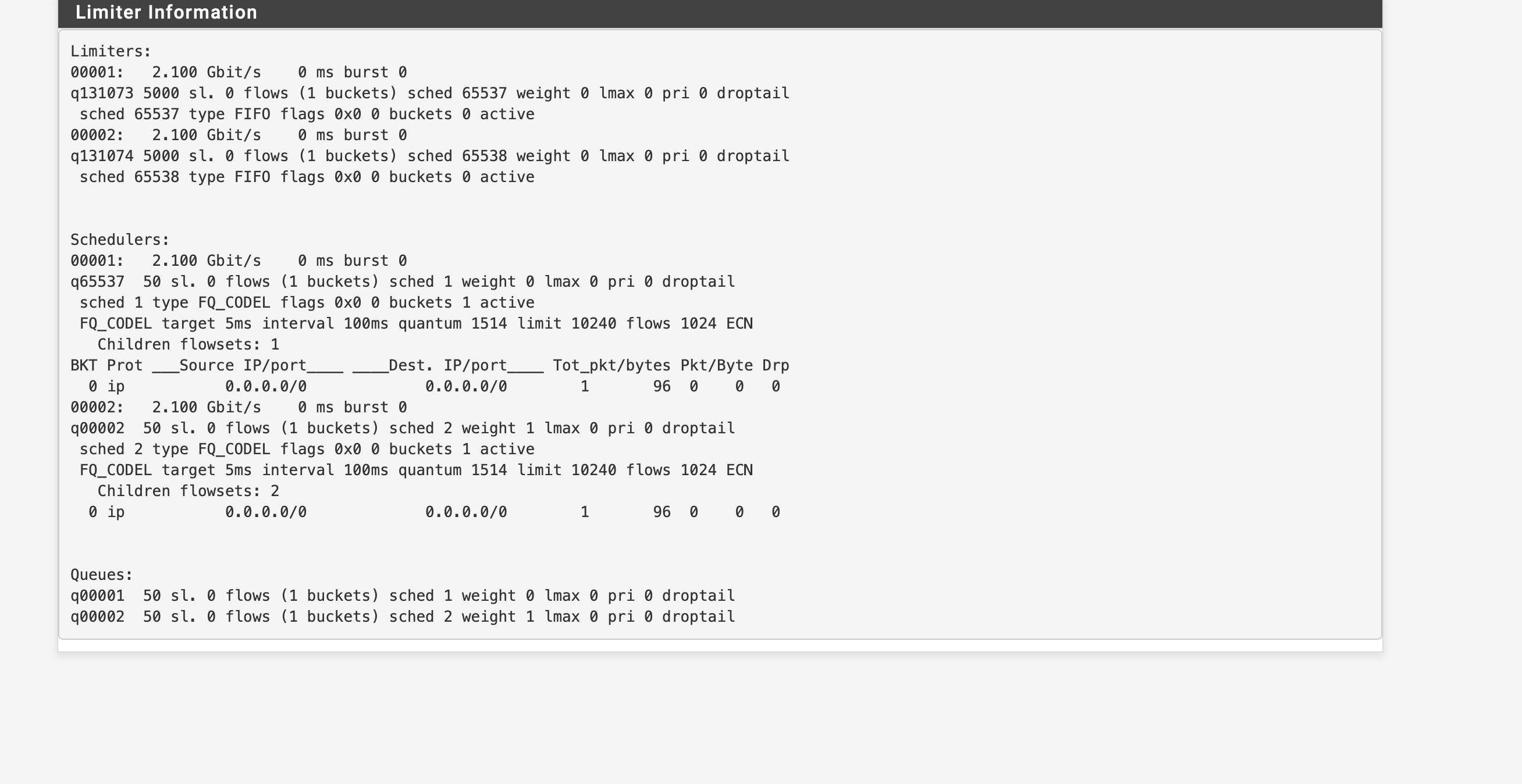
  • Using FQ_CoDel Limiters to share Internet bandwidth per-LAN-IP

    2
    1
    0 Votes
    2 Posts
    1k Views
    SteveITSS
    @strannik 2.8.x is out. See also https://forum.netgate.com/topic/200595/this-is-how-i-used-limiters-to-fairly-share-bandwidth-among-all-devices-on-lan
  • Whats the latest on CAKE

    7
    0 Votes
    7 Posts
    3k Views
    w0wW
    @SteveITS said in Whats the latest on CAKE: I’m just going to put this here… ;) Yeah, the traditional thick April trolling. Which, sooner or later, will become reality. We just need to wait another ten-something years.
  • 0 Votes
    10 Posts
    4k Views
    SteveITSS
    @dorabiatto I would just try the various scheduler options and see what works best.
  • 0 Votes
    2 Posts
    1k Views
    R
    Good day. I would like to follow up on this. How is the bandwidth allocated in your multi-wan failover setup? Please let me know also if my understanding is not correct or if this is not doable. Thank you
  • Bufferbloat not always working

    7
    0 Votes
    7 Posts
    7k Views
    N
    Match on Floating are a good use for Limiters. My works wery well with Match Floating Ruleset. I only use a single rule for the queues and one for ICMP on top of that. But you need a State Reset, or your Limiter need a long time to work like you expected. [image: 1772405065954-e4036ffe-23bc-4091-9026-268df8e728e7-image.png]
  • 0 Votes
    25 Posts
    11k Views
    provelsP
    FWIW, I spent the day yesterday playing around with settings and found I could get a repeatable A+ at Waveform and generally random results A/B/C at LibreQoS with the same settings. I use the settings in the Netgate docs with in/out bandwidth set just a hair below unmanaged speeds. So there's that! Cable modem 150/20 nominal 175/43 actual 166/40 shaped Or did I miss the point completely that this is only a PPoE issue being addressed?
  • Bandwith Issue with netaget 8300

    8
    0 Votes
    8 Posts
    4k Views
    RaymondChaukeR
    Make sure that you testing the speed being the only person/single device that is connected to the network... don't allow any other device to be connected until you have done with speed testing. Unless your converter is set to auto..then it might be auto setting itself to your available internet speed and read it as the highest speed.
  • Interfaces not capable of traffic shaping?

    4
    2
    0 Votes
    4 Posts
    2k Views
    SteveITSS
    @opoplawski There is a list here: https://docs.netgate.com/pfsense/en/latest/trafficshaper/limitations.html ix is listed but not ixl.
  • 0 Votes
    1 Posts
    707 Views
    No one has replied
  • Prioritizing Traffic From Specific LAN Client

    8
    0 Votes
    8 Posts
    4k Views
    SteveITSS
    @johnpoz Right, it could help outbound on WAN, or for outbound on LAN it doesn't need tagging and that could be done via the shaping wizard. Floating for that direction looks similar: [image: 1764867798698-69746095-2ba1-4f33-8ca7-2674680c2c9c-image.png] (dest = VoIP_devices)
  • Best parameter of speed limiter for my use case?

    1
    1
    0 Votes
    1 Posts
    833 Views
    No one has replied
  • Traffic Shaping with Multiple WANs Sharing 1Gb Single Connection

    1
    0 Votes
    1 Posts
    938 Views
    No one has replied
  • PRIQ Affecting LAN Networks

    traffic shaper priq lan-to-lan internal lan
    2
    0 Votes
    2 Posts
    2k Views
    SteveITSS
    @shellbr I know the docs say "It does not care about bandwidth on interfaces, only the priority" but in my experience the limits on WAN and LAN are enforced.
  • Problem setting up tail drop/codel

    15
    0 Votes
    15 Posts
    7k Views
    T
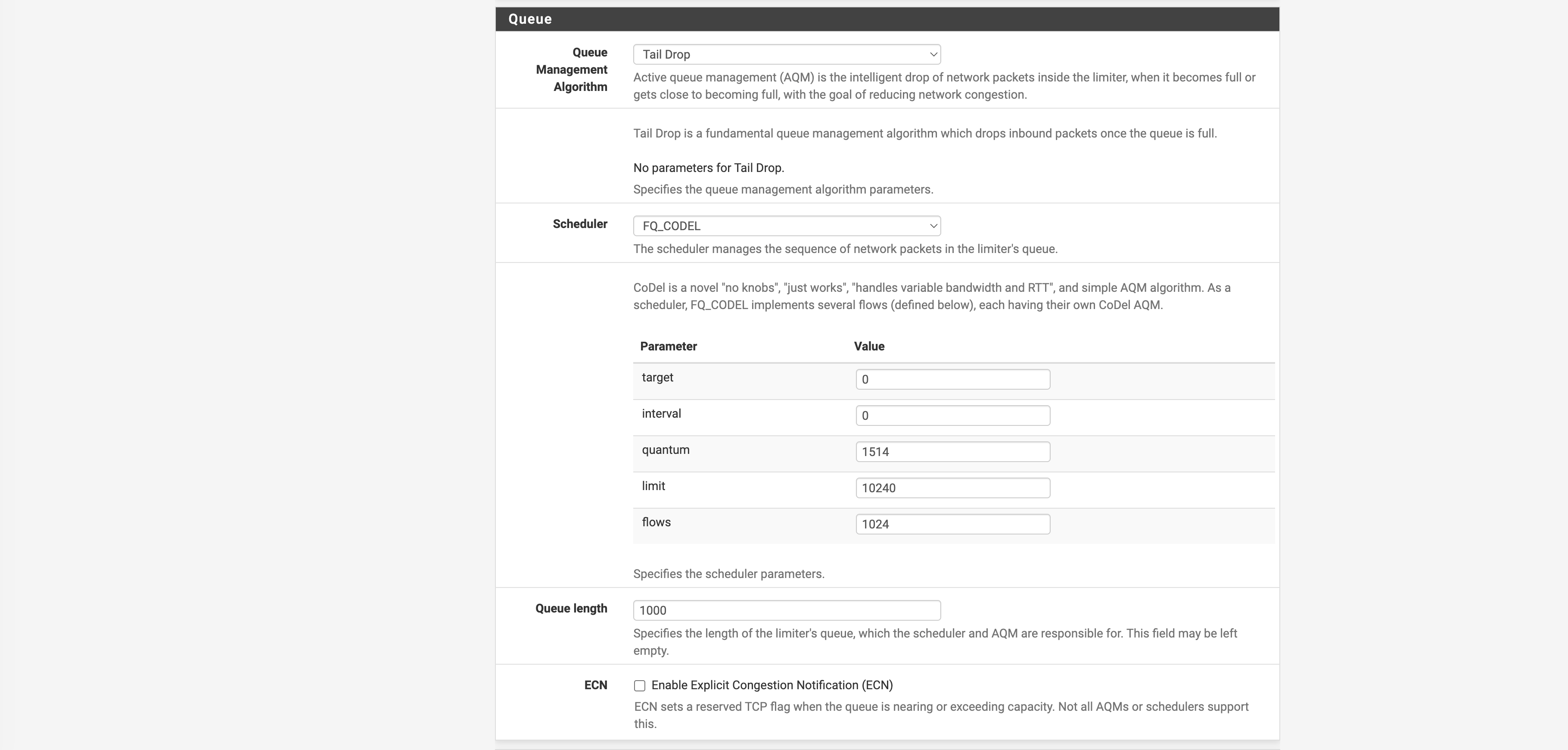
    @zennb1 Okay, what stands out to me are target and interval values of 0 for your WAN down limiter. I don't think that is valid. I feel like I've seen other posts from people claiming that somehow those can end up being defaults, but I'm betting that's what's breaking things for you. I would start by setting target to 5 and interval to 100 like your upload limiter. As to all the other parameters, I don't feel like I can give great advice, especially for such a fast symmetric connection. To be honest, in my experience it seems like almost everywhere you look for information about how to set the few "knobs" available with FQ_CODEL, the advice is different :) But I bet that just changing those target and interval values will get traffic flowing for you. Clearly, you can try changing various settings and test to see what works best for you. I have found some advice that the "queue length" should be set equal to "limit", and also that for an 8Gbps symmetric connection you may want "limit" and "flows" both set to something like 4096. But, I am not an expert on these FQ_CODEL settings so if anyone chimes in who is, I would defer to them.
  • Limiters don't always work?

    9
    0 Votes
    9 Posts
    5k Views
    A
    @SteveITS Hmm, yeah, I don't think that bug is applicable to my situation, beacuse they're using source masking to apply limiters to individual /32s, wheras I'm looking to throttle traffic collectively on a gateway, no source mask in play.
  • Limiter source mask now after NAT when using gateway groups - 2.8 change?

    20
    0 Votes
    20 Posts
    13k Views
    stephenw10S
    No support are in the same situation we are. It would require building a 25.07.2 release. It's fixed in 25.11 snapshots if you're able to test there. The first public beta is close.
Copyright 2026 Rubicon Communications LLC (Netgate). All rights reserved.
Privacy Policy · Cookie Policy