• 0 Votes
    14 Posts
    515 Views
    JonathanLeeJ
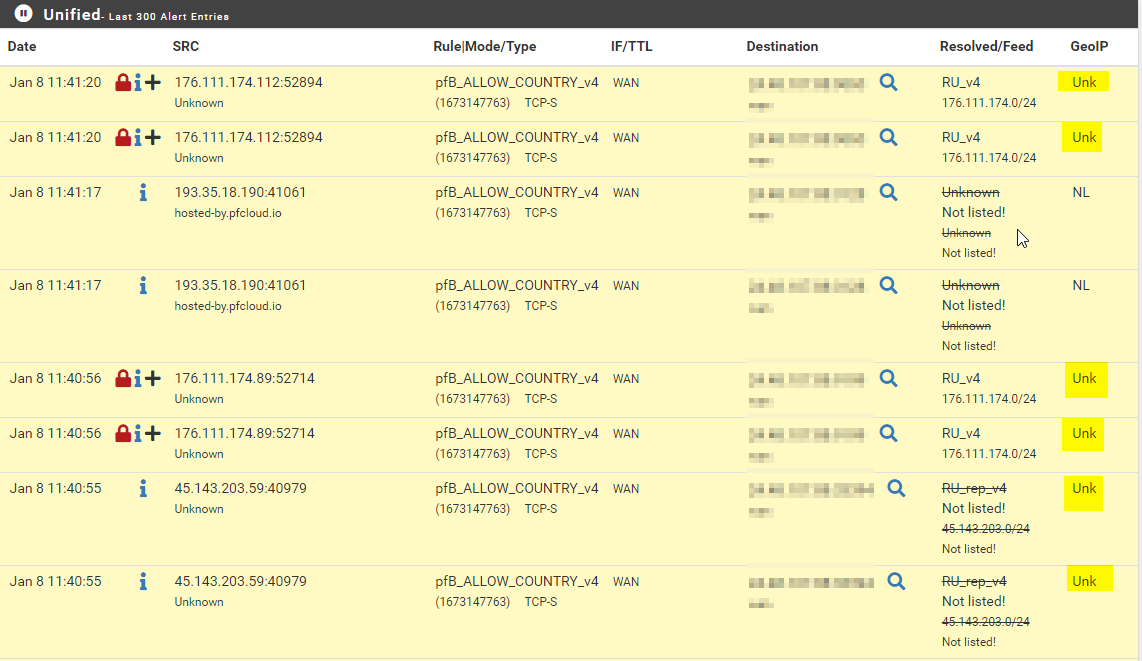
    @Gertjan It was a real issue and it's this is the Snort rules that generated it spotted it, I think that because it is a home network the bad guys assumed they could get away with it and pfSense plus stopped it cold and gave me the logs to report them. I have it on the WAN side the rules below. # === VPN SECURITY (OpenVPN UDP 1194) === # NOTE: Port corrected from 1192 to 1194 to match actual firewall # VPN connection from non-Approved source alert udp !approved source any -> MY IP1194 (msg:"CRITICAL: VPN Connection from Non-Approved Source"; classtype:policy-violation; priority:1; sid:1000010; rev:2;) # VPN brute force from MetroPCS alert udp approved source any -> MY IP1194 (msg:"OpenVPN Brute Force from MetroPCS"; threshold:type both, track by_src, count 10, seconds 60; classtype:attempted-admin; sid:1000011; rev:2;) # VPN connection flood (DoS) alert udp !Approved source any -> My IP 1194 (msg:"OpenVPN Connection Flood"; threshold:type threshold, track by_src, count 50, seconds 10; classtype:attempted-dos; sid:1000012; rev:2;) # OpenVPN malformed packet alert udp any any -> My IP 1194 (msg:"Malformed OpenVPN Packet"; dsize:<14; classtype:protocol-command-decode; sid:1000013; rev:2;) I reported it to IC3 and someone actually called me said it was really good stuff that I had, that it is a big problem in our area the last 8 or so months I think he said. This firewall caught something and it contributed to local cyber security. After he called, I have not seen as many of them anymore also. I also reported it to Digital Ocean and they responded to my report and thanked me for it. I have never had someone call me about a report before. The data was the combination of how many attempts and what was occurring they must have seen it before, maybe if you guys see vpn attempts from them we should start to report at least the VPNs that is like breaking and entering its no longer scans at that point. I feel like we see so much noise that when we start to see something that is real it get questioned, I was even thinking it was nothing, but they kept doing it.
  • 0 Votes
    11 Posts
    987 Views
    SteveITSS
    @mrpushner to test pinging to LAN you need to ping a device on LAN.
  • Access to new interface

    General pfSense Questions routing firewall rules
    4
    0 Votes
    4 Posts
    881 Views
    stephenw10S
    Unless you need to accept inbound connections there it should only be an outbound NAT rule. Even if you did have inbound connections a port forward is often better. You shouldn't need to manually add any rules though as long as the gateway is added into the new interface. That will trigger the auto outbound rule to be added.
  • 0 Votes
    5 Posts
    1k Views
    horasjeyH
    @Gertjan said in Change TTL to Block Internet Sharing by NetShare or Bluetooth: @horasjey Ok did some searching for you. Found this Change default TTL value That was true in 2018, nothing, afaik, changed since. Global answers : pfsense change TTL. edit : @Gertjan said in Change TTL to Block Internet Sharing by NetShare or Bluetooth: Not sure if it possible with pfSense. That's a long answer for 'dono'. So how would I be able to answer : @horasjey said in Change TTL to Block Internet Sharing by NetShare or Bluetooth: here is the TTL config on the pfsense device sir? ? thanks @Gertjan
  • 0 Votes
    1 Posts
    539 Views
    No one has replied
  • 0 Votes
    2 Posts
    637 Views
    A
    @Anaerin It looks like the issue is Wireguard. Disabling Wireguard, removing it's interface, tunnel and peers removes the rules. Quite why Wireguard is grabbing the wrong subnet for the VPN subnet and redirecting it to the local net is an issue.
  • 0 Votes
    107 Posts
    34k Views
    JonathanLeeJ
    Great job, and you also learned port forwarding, ACL ordering, alias creation and much more. I love this forum you can learn so much. Now you just need a OpenVPN configured with a NAS server for private cloud use
  • 0 Votes
    1 Posts
    479 Views
    No one has replied
  • 0 Votes
    5 Posts
    2k Views
    hecsaH
    @bmeeks said in Allow outgoing traffic based on Active Directory group: I would suggest setting up a pfSense instance in a virtual environment and experimenting with some of the options. Pretty easy to do in something like VMware or Proxmox (or even Hyper-V). Yes, this is exactly my plan. I installed a 2.7.0 pfSense, a 2012 R2 DomainController, and two W10 virtual machines on my lab, just to test everything before touching the production environment. Thanks, and best regards, HeCSa.

  • Firewall rules

    Firewalling firewall rules
    14
    0 Votes
    14 Posts
    3k Views
    R
    @viragomann must be a bug can it be checked please.
  • 0 Votes
    2 Posts
    639 Views
    bmeeksB
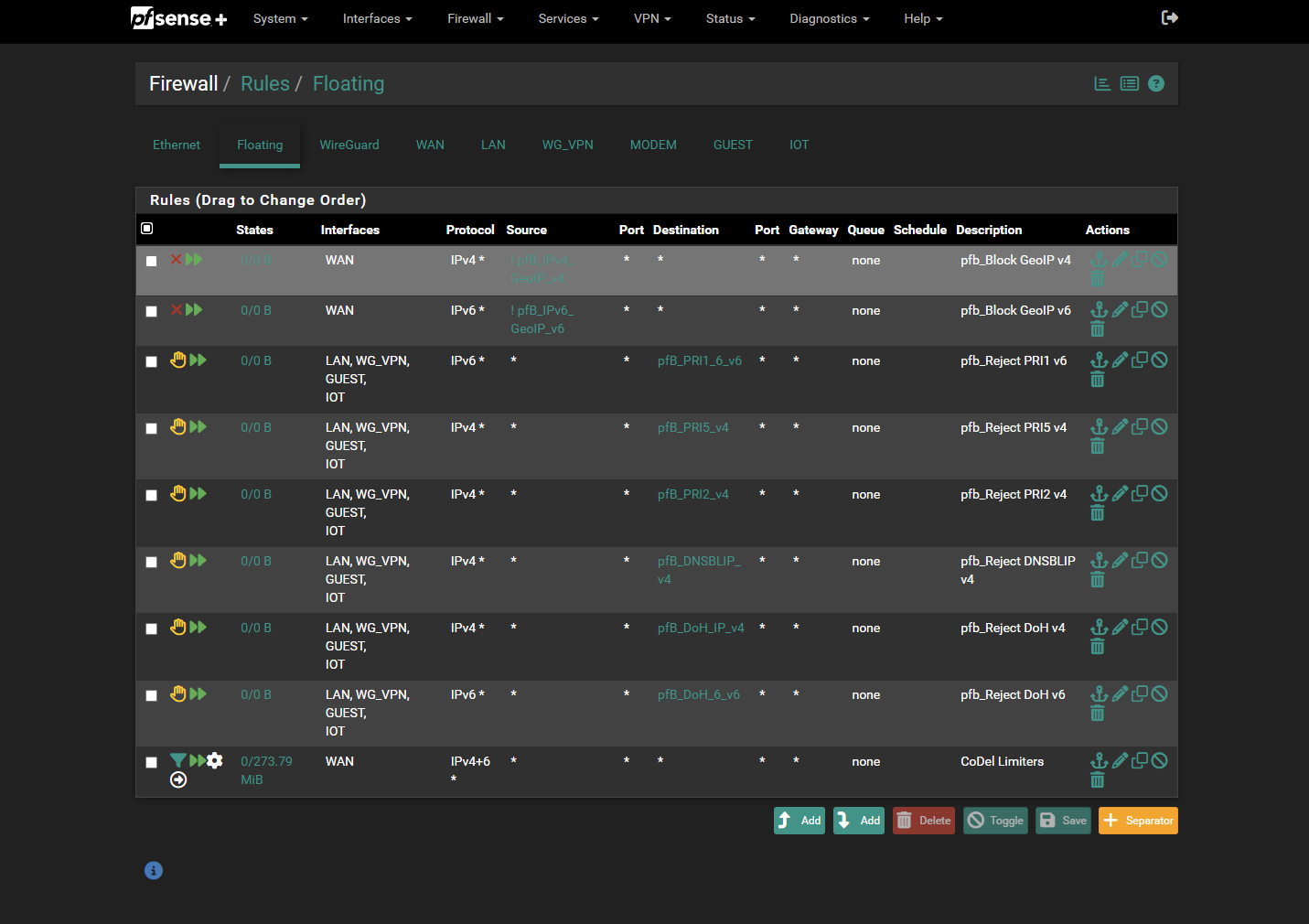
    Do you have pfBlockerNG installed and configured to autmatically manage its rules? If "yes", then that's probably why. It will rearrange firewall rules when it performs an auto update.
  • 1 Votes
    71 Posts
    33k Views
    V
    @johnpoz said in Port Forward does not work..: But completely agree with you - in my multiple statements that nat reflection is an abomination That's the way I know you. As I mentioned, I didn't read all posts and I missed the reason for doing NAT reflection.
  • 0 Votes
    27 Posts
    12k Views
    JonathanLeeJ
    Could it be set flags SYN ACK ? and or state type keep or sloppy ?
  • Unable to RDP using pfSence

    Firewalling firewall rules firewall
    5
    0 Votes
    5 Posts
    2k Views
    bmeeksB
    @mameen-lk said in Unable to RDP using pfSence: Is there any option where we could bypass for a specific host or add a rule in squid proxy Sorry, but I've never used the Squid packages on pfSense. However, I would suspect there is a mechanism for implementing a "white list" of trusted IP addresses. Most packages that do some level of blocking provide a means for whitelisting. You could try posting in the Cache/Proxy sub-forum which covers Squid related questions: https://forum.netgate.com/category/52/cache-proxy. Users there will be familiar with the various Squid packages available on pfSense.
  • 0 Votes
    6 Posts
    2k Views
    SteveITSS
    @johan-2 Ah. Not using pfSense as the gateway, then. :)
  • 0 Votes
    12 Posts
    4k Views
    SteveITSS
    @rennit I guess? With VLANs AFAIK there are two ways to get the VLAN assigned. Either something assigns it (AP, switch) or the device's network config has a VLAN. With the latter, someone with knowledge can change, add, or remove the VLAN tag. If the switch allows the new-VLAN packet on that port then it gets passed on. Normally that's blocked by a managed switch, but generally unmanaged gigabit switches will pass packets without regard for VLAN. Otherwise something would need to be removing the tag from the packets, in order to cross over to another VLAN.
  • 0 Votes
    3 Posts
    2k Views
    J
    @viragomann that did work, anything else I can try?
  • 0 Votes
    14 Posts
    4k Views
    D
    @yquirion I was surprised as well and was hoping it did not change my configuration which it did not. I was not aware about querying the database so I learned a very nice thing from you as well.
  • 0 Votes
    8 Posts
    4k Views
    A
    @viragomann & @Gertjan Thanks for your help! Managed to solve it with a floating firewall rule! I only tried to block it from the interface that I thought the traffic originated from first. But now I tried to add a floating rule that blocked the traffic from all interfaces that shouldn't have access to it, and it worked!
  • Firewall - podstawowe reguły.

    Polish pfsense 2.6.0 firewall firewall rules
    3
    0 Votes
    3 Posts
    3k Views
    S
    @przemyslaw85 dzięki za odpowiedź. Jedynie zacząłem używać czasami wireguarda na komórce. Do stronki www mam wykupiony hosting. Póki co mam zintegrowaną kartę intela + tplinka ale chcę kupić właśnie jakąś intela. pfBlocker jeszcze nie konfigurowałem (używam snorta) Mój PC (router) to dell optiplex 7010 i5-3570 16GB ram i SSD 256GB Pozdrawiam